Naam Jap – Mantra Counter is a free app for chanting, counting and tracking your daily sadhana. This guide walks you through each part of the app so you can start your practice in a few minutes.
1. Home: your daily overview
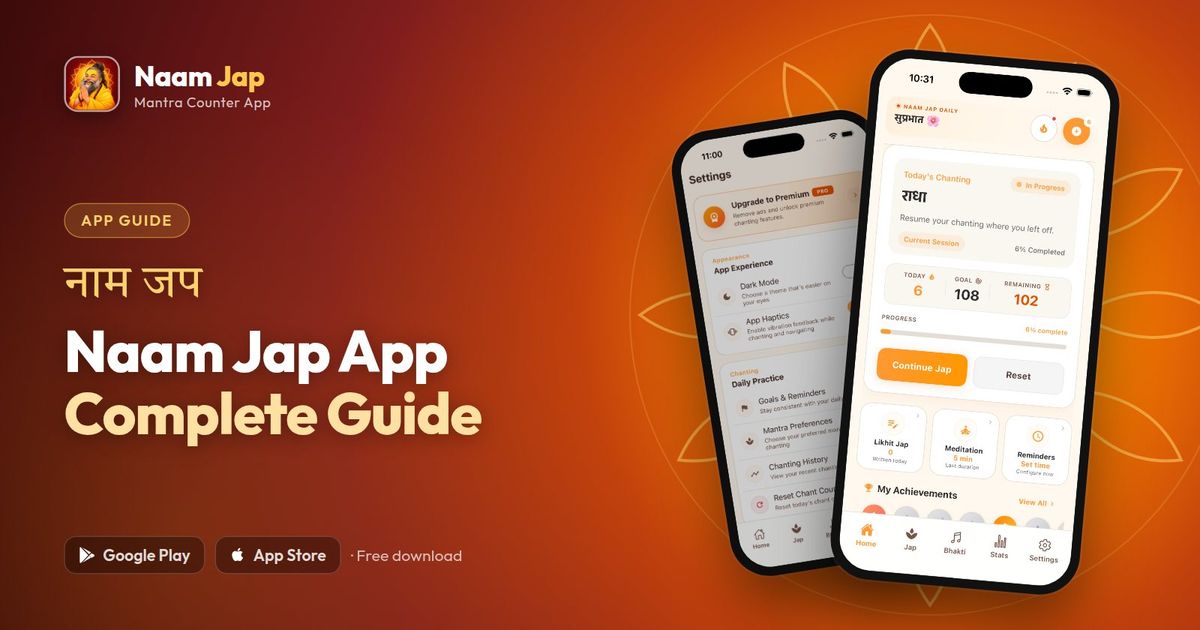
The Home screen shows Today's Chanting — your current name, today's count, your goal and how many repetitions remain — with a progress bar and a Continue Jap button to resume where you left off. Below that you'll find shortcuts to Likhit Jap, meditation and reminders, your achievements and a daily thought.
2. Jap counter
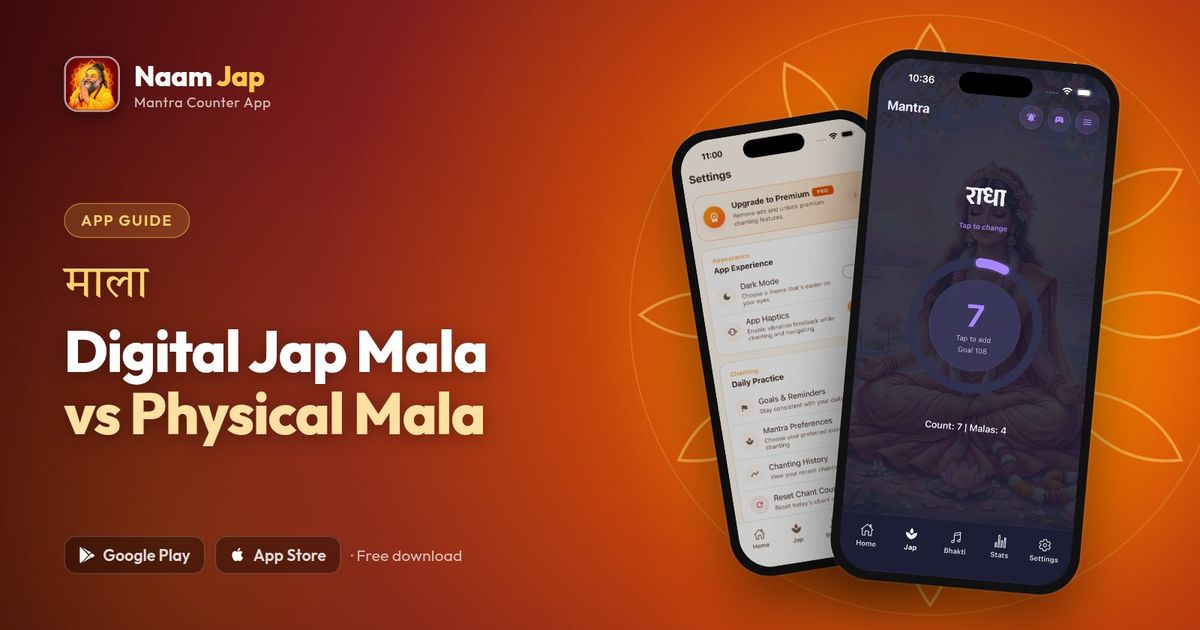
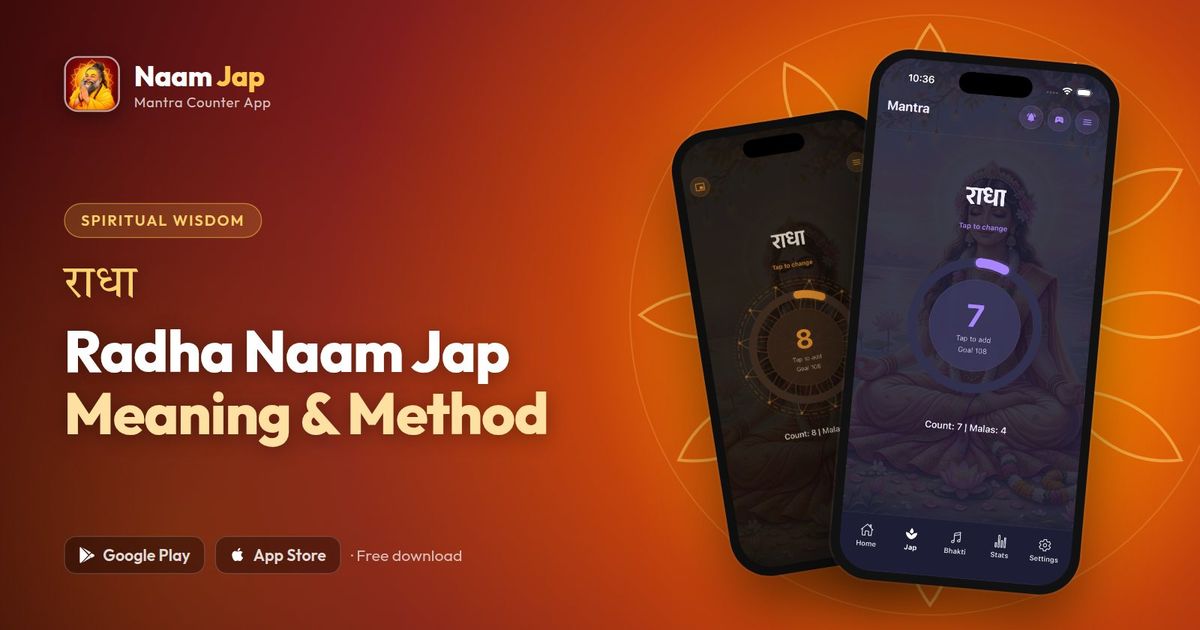
- Tap to count: tap the counter for each name; the app gives a gentle vibration on every tap.
- Mala tracking: at 108 the counter resets and one mala is added to your total.
- Change the name: tap the name on the counter screen to switch, for example to Radha or Ram.
- Themes: choose a counter look that helps you focus.
3. Goals, streaks and achievements
Set a daily goal and the app tracks your streak — how many days in a row you have chanted — along with weekly momentum and badges for milestones. It's a gentle way to stay consistent. Read how to build a lasting chanting habit for tips.
4. Stats and history
The Stats screen shows your chanting rhythm by day, month and year, with total chants and your average per day. You can also review past chanting sessions — useful for long goals such as completing 1 lakh Naam Jap.
5. Likhit Jap Diary
Write the Divine Name digitally — choose Ram, Krishna, Shiva, Radhe or Hari, follow your progress on pages of 108 names and look back at past logs. Learn more in our Likhit Jap guide.
6. Bhakti, darshan and wisdom
The Bhakti section brings together aarti, chalisa, path and mantra collections for daily devotion. The app also offers daily darshan, Bhagavad Gita verses and spiritual stories to start your day. Some content is part of Premium. Read a few of these in 8 Hindu mythology stories with moral lessons.
7. Sankalp (sacred vow)
Take a sankalp such as 21,000 jap in 21 days. Choose a popular vow or set your own name and number of days, and every jap you count in the Jap tab counts towards it. Read our guide on how to take a Naam Jap sankalp.
8. Settings and reminders
- Reminders: pick a daily time to be reminded to chant.
- Dark mode: easier on the eyes for early-morning or night chanting.
- Haptics: turn vibration feedback on or off.
- Chanting history and reset: review past sessions or reset today's count.
Free vs Premium
The core counter, goals, streaks and stats are free. Premium removes ads and unlocks extra devotional content and features. Billing is handled securely by Google Play and the App Store.
New to chanting? Begin with What is Naam Jap? and compare digital vs physical mala.
Frequently asked questions
Is the Naam Jap app free?
Yes. The app is free to download on Android and iOS. An optional Premium plan removes ads and unlocks extra devotional content and features.
Does the app work offline?
Yes. The core features — jap counting, the sadhana checklist, stats and settings — work without an internet connection.
Can I change the name or mantra I am chanting?
Yes. On the counter screen, tap the name to change it.
Ready to start your practice?
Free mantra counter for your daily Naam Jap — rated 4.6★ on Google Play.